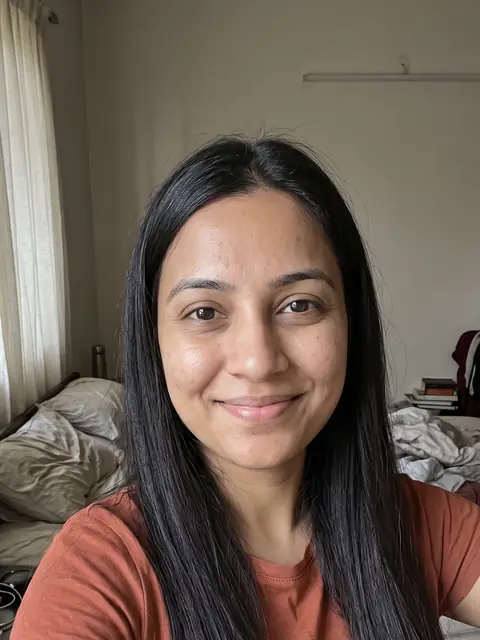
Talking avatar video generator
Make talking avatar videos without filming: pick one of our AI presenters, type a topic or a script, and our AI makes a vertical video of them saying it, captioned and ready to post.
 UGC ad
 Product demo
 Tips
Tips
How to create an AI avatar video
- Step 01
Pick a presenter
Choose one of 8 AI presenters, or let our AI pick one for your topic.
- Step 02
Type a topic or a script
Give a topic and our AI writes the lines, or paste the exact words the presenter should say.
- Step 03
Get the video
A captioned 9:16 video in minutes. It opens in the editor, so you can change the hook, add music and post it.
What can you make with an AI spokesperson?
UGC-style ads
A presenter talks about your product like a creator would, for TikTok and Reels ads.
Product demos
Explain what it does and why it's worth it, with your product's photo in the shot.
Faceless channels
Post every day without showing your face: a presenter, or just a voice over b-roll.
Tips and explainers
Turn a blog post or a list of tips into short talking videos for your account.
Who are the AI presenters?
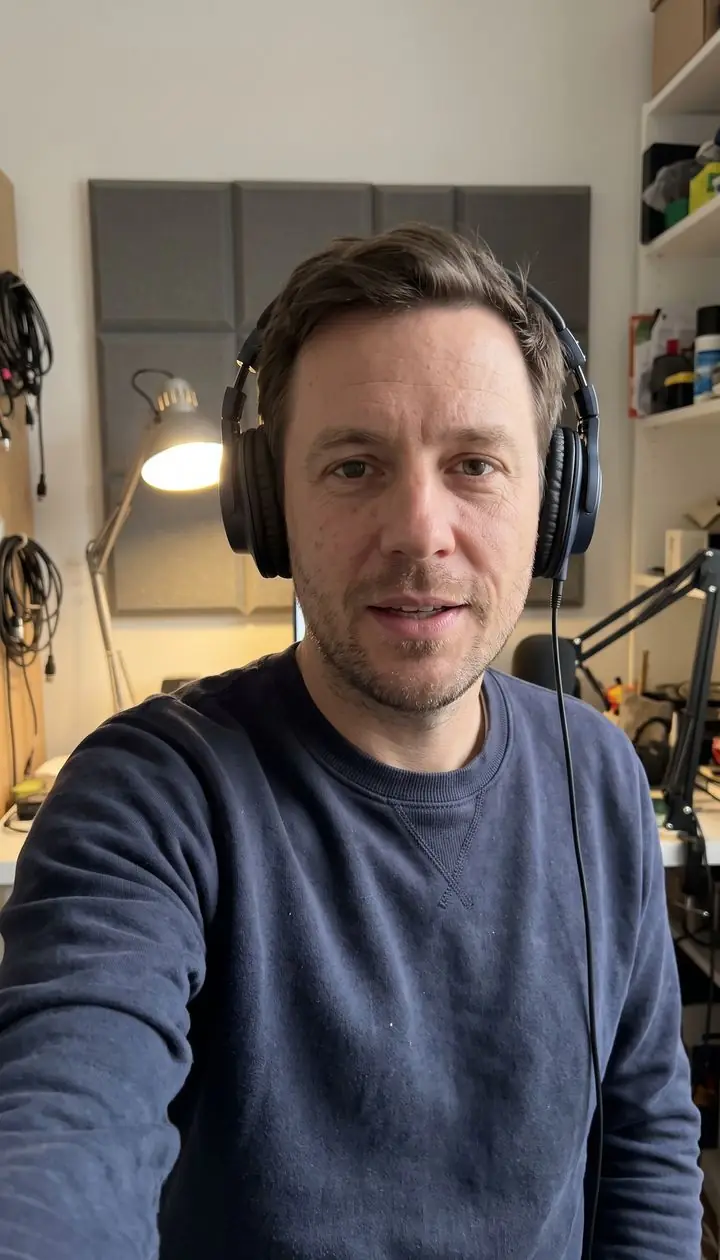
Eight presenters made by our AI, each with their own voice and setting. Pick one, or let our AI choose for your topic.
Maya 
Jordan 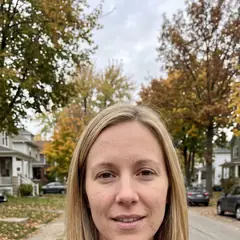
Sofia 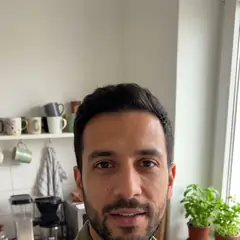
Daniel 
Mei 
Sam 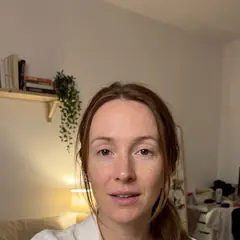
Ava 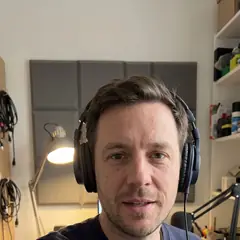
Leo
What are the limits of AI actors?
- Videos run 10 to 30 seconds per take. Longer videos are made of several takes, joined in the editor.
- Rather have no presenter at all? A faceless video is narration, a picture for every line and captions, made from your script.
AI avatars questions
What is a talking avatar?
A video of a person talking to the camera that's made by AI: you pick the presenter and type the words, and our AI makes the video with the mouth in sync.
Is a talking avatar the same as an AI talking head?
Yes. An AI talking head, a talking avatar and an AI avatar video all mean a presenter speaking to the camera, made by AI from a script. Ours are vertical, captioned and ready for TikTok and Reels.
How long can a video be?
10, 15 or 30 seconds per take. For a longer video, make several takes and join them in the editor.
How much does it cost?
It's paid from your plan's credits: 69 credits for 10 seconds to 197 for 30.
Can I show my product?
Yes: in the editor's Generate, start a clip from your product's photo and put it between the presenter's lines. For close-ups of a product in hand, a real clip still looks best.
Can I use these videos as ads?
Yes: they're vertical and captioned, ready to run as TikTok and Reels ads.