Free TikTok content calendar template
A free TikTok content calendar template for TikTok Shop: list your products and get a day-by-day plan as a CSV.
Where it works
- TikTok Shop
- Any browser, phone or computer
Updated · Tested by the UGCLive team
Need videos for a product?
Paste a product link and our AI makes a batch of finished TikTok Shop videos, each with its own hook.
A TikTok content calendar for three products
Products take turns, so none goes days without a video, and each one steps through all 7 formats before any repeats. One to three posts a day.
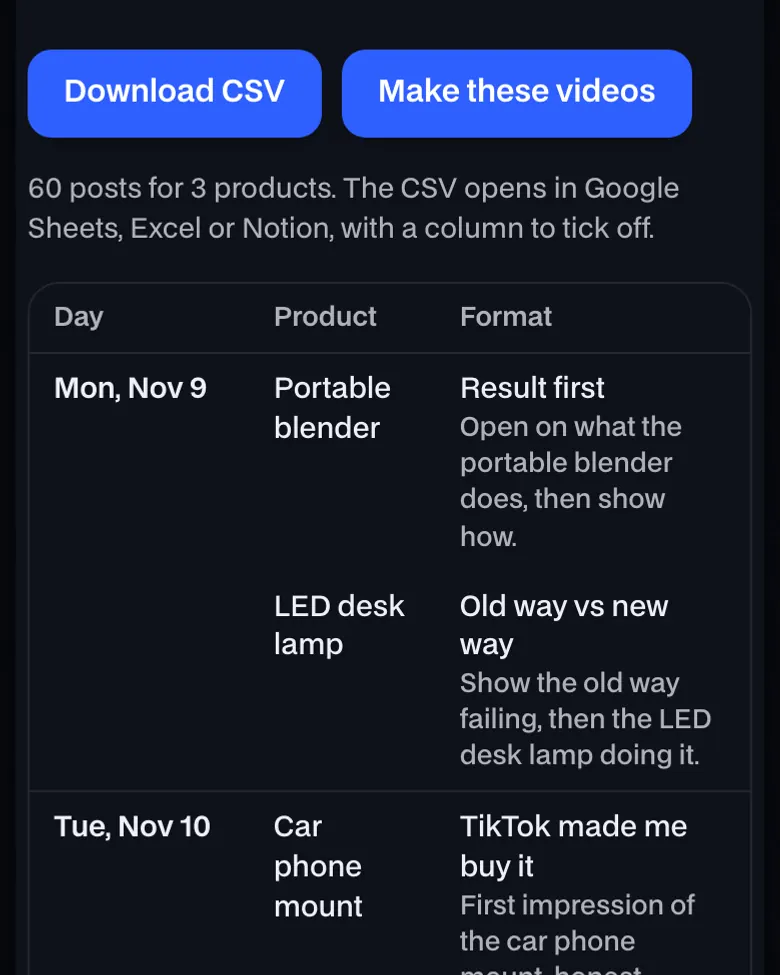
The plan as a spreadsheet, with the idea for each post
Download the plan as a CSV for Google Sheets, Excel or Notion, with a Posted column to tick. Each row has the video idea for its format; more TikTok video ideas by niche.
| Date | Post | Product | Format | Idea | |
|---|---|---|---|---|---|
| 2 | 2026-11-16 | 1 | Lint roller | Result first | Open on what the lint roller does, then show how. |
| 3 | 2026-11-16 | 2 | Car phone mount | Old way vs new way | Show the old way failing, then the car phone mount doing it. |
| 4 | 2026-11-17 | 1 | LED desk lamp | TikTok made me buy it | First impression of the LED desk lamp, honest. |
| 5 | 2026-11-17 | 2 | Lint roller | Old way vs new way | Show the old way failing, then the lint roller doing it. |
How to use TikTok content calendar


More about TikTok content calendar
It rotates 7 video formats across them.
How to use TikTok content calendar, step by step
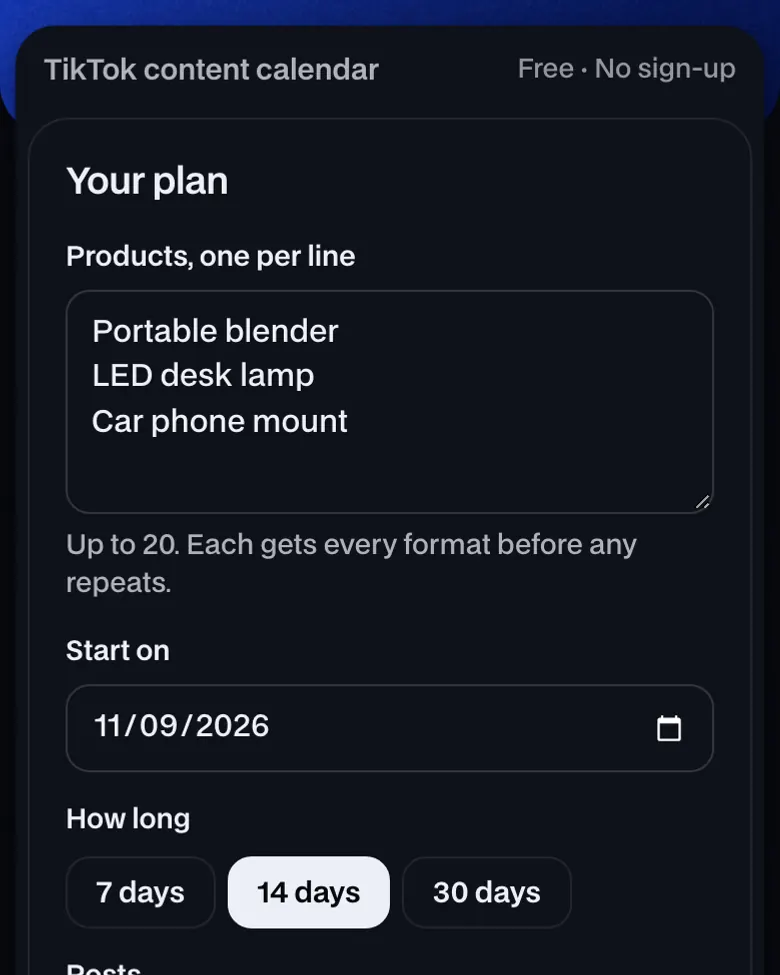
- List your products. One per line, up to 20: the ones you sell or promote as an affiliate.
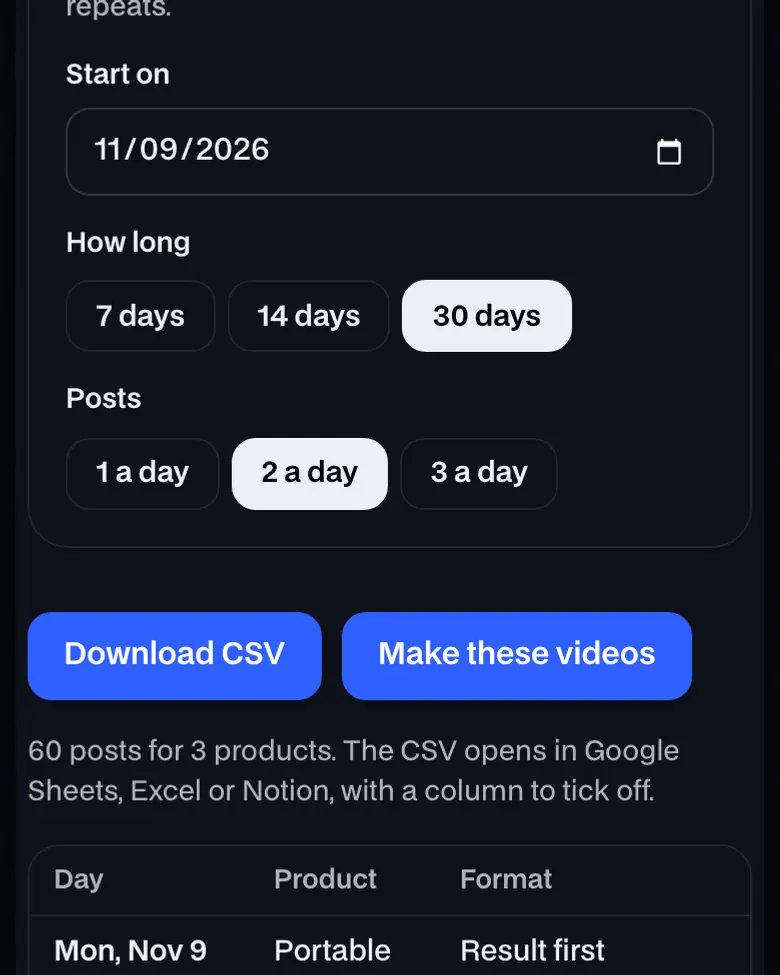
- Pick length and pace. 7, 14 or 30 days, at one to three posts a day.
- Download and follow it. Open the CSV in Google Sheets, Excel or Notion and tick off each post.
What goes in a TikTok content calendar?
For each post: the day, the product, the video format and a one-line idea. Rotating formats keeps a product's videos from repeating; a tick-off column tracks what's posted.
After the calendar
- Script each oneThe TikTok Shop script builder writes every format on the list, timed.
- Pick the timeSee when TikTok posts get views, then check your own analytics.
- Double down on winnersGive a product that sells more slots; drop the ones that don't.
More formats: 30 TikTok Shop video ideas. Posting limits: TikTok Shop automation.
TikTok content calendar: what you need and limits
| What you give it | Up to 20 products, a length and posts a day |
|---|---|
| What you get | A day-by-day plan as a CSV |
| Price | Free, no sign-up |
| Works on | Any current browser on a phone, tablet or computer |
| Last checked | November 12, 2026 |
The 7 formats it rotates
| Format | The video |
|---|---|
| Result first | Open on what the product does, then show how. |
| Old way vs new way | Show the old way failing, then the product doing it. |
| TikTok made me buy it | First impression of the product, honest. |
| Three reasons | Three reasons you'd buy the product again. |
| Partner skit | Someone asks why you bought the product; you show them. |
| It's on sale | The product's price or deal, and why it's worth it. |
| Reply to a comment | Answer a buyer's question about the product on camera. |
TikTok content calendar FAQ
How many times a day should I post on TikTok Shop?
As many as you can make well: start with one a day, add a second once quality holds. TikTok's daily limits are on our TikTok Shop automation page.
Should every video be about a different product?
No. A product that sells deserves more videos in new formats: the calendar runs each product through every format before one repeats.
What time should I post?
When your audience is on. Your TikTok analytics show it; until you have data, our best time to post on TikTok page has what the published studies found.
Can I use this as a Google Sheets template?
Yes. Download the CSV, then in Google Sheets choose File → Import and upload it. The last column is empty for ticking off what's posted.
Is it free?
Yes, with no sign-up and no limit. The plan is made in your browser and nothing you type is sent anywhere.
Still have questions?All UGCLive questionsEmail us
Related
Try it now, free.
List your products. Get a posting plan.
- No sign-up
- Works on your phone
- Nothing to install