Free TikTok comment generator
A TikTok comment generator for reply videos.
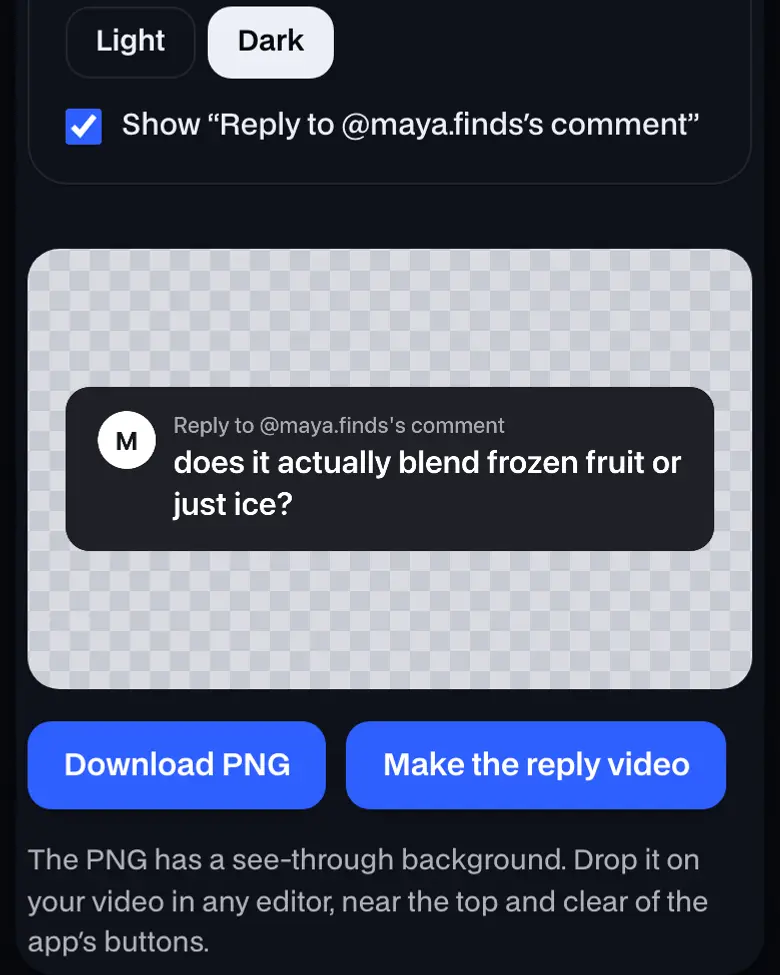
The PNG has a see-through background. Drop it on your video in any editor, near the top and clear of the app's buttons.
Where it works
- TikTok
- Any browser, phone or computer
Updated · Tested by the UGCLive team
Rather not film it?
Paste a product link and our AI makes the finished TikTok Shop video: script, an AI creator holding the product and captions.
A TikTok comment reply sticker on your video
The sticker sits near the top for the first seconds, so viewers know the question before the answer starts. Keep it clear of the buttons with the TikTok safe zone.
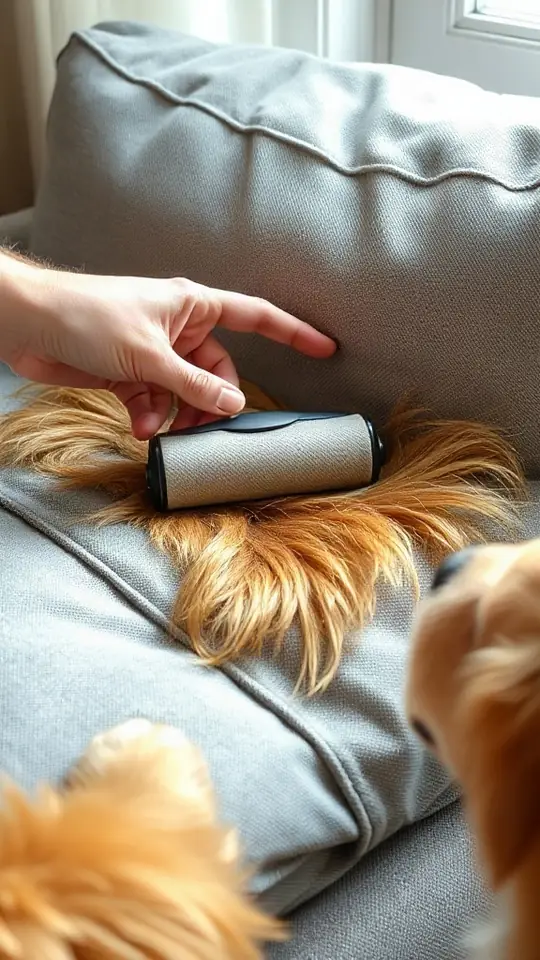 @yourhandleMReply to @maya.finds's commentdoes it actually work on dog hair or is it just for lint??Light@yourhandleMReply to @maya.finds's commentdoes it actually work on dog hair or is it just for lint??Dark
How to make a reply-to-comment video
Answer the questions other buyers have too, while the video they came from is still getting views. Telling a whole story instead? Try the text story maker. New followers read your profile next: TikTok bio ideas.
- PickA real question
- MakeThe sticker, as a PNG
- AnswerOn camera, first seconds
- AddThe sticker near the top
- Does it work on dog hair?
- Is it worth it for the price?
- What size did you get?
- How long did shipping take?
- Ones you wrote yourself
- Rude or personal ones
- Ones you can't answer on camera
How to use TikTok comment generator


More about TikTok comment generator
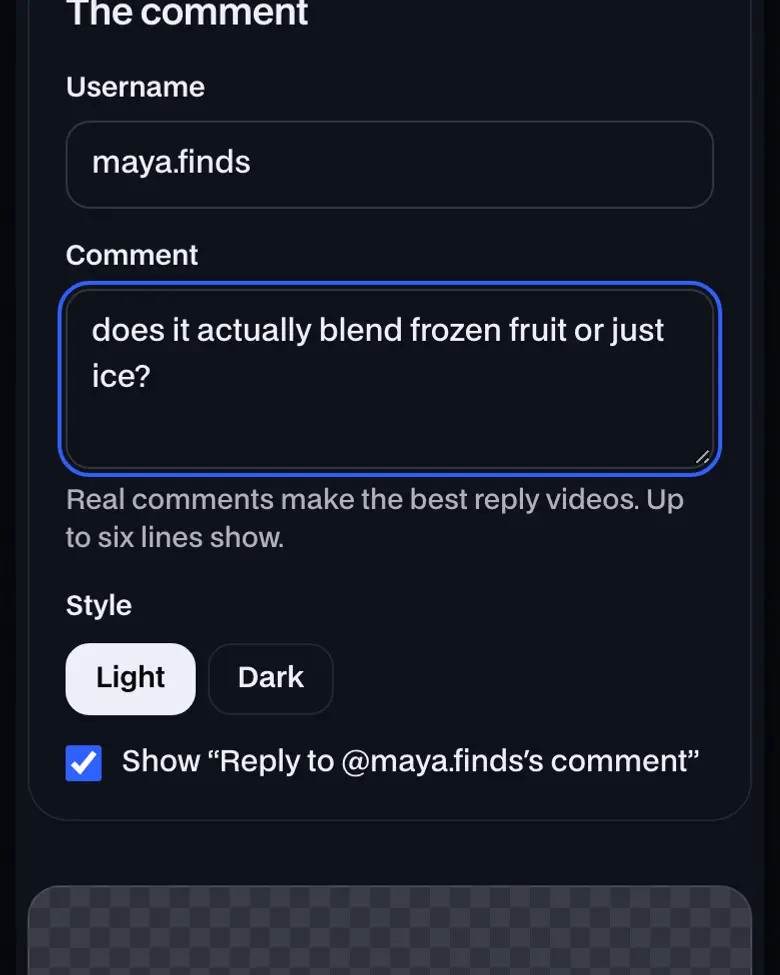
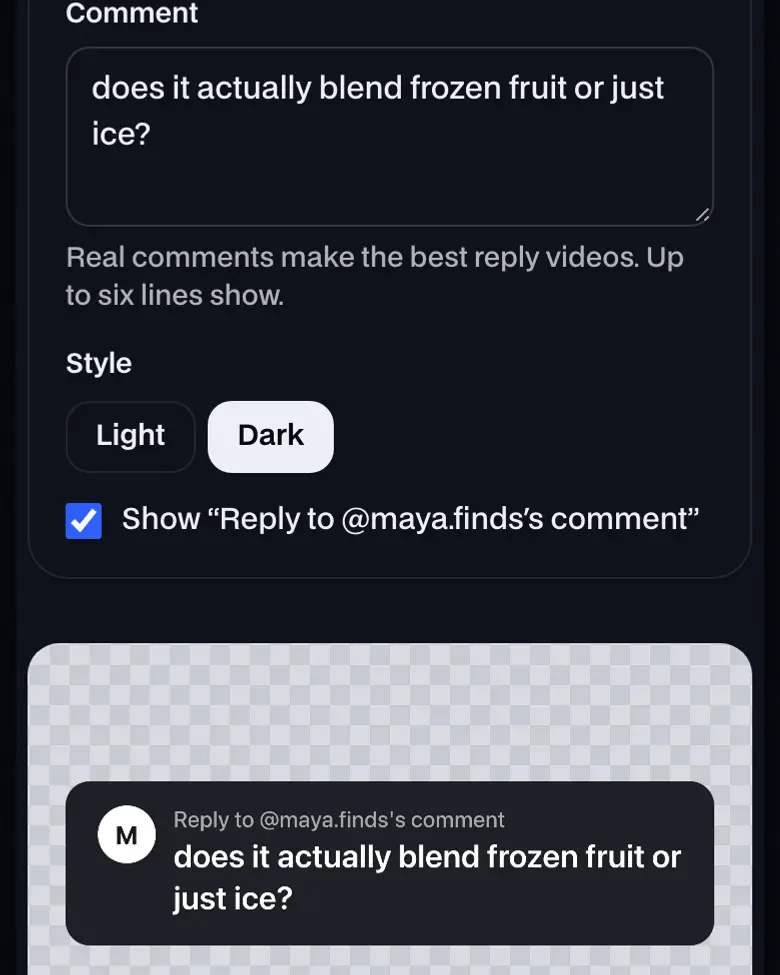
Type the username and the comment, pick light or dark, and download a "Reply to @name's comment" sticker as a transparent PNG to lay over your video.
How to use TikTok comment generator, step by step
- Type the comment. The username and the comment you're answering. Questions from buyers make the best reply videos.
- Pick light or dark. Light reads on most footage; dark suits bright scenes. Turn the "Reply to" line off for a plain comment card.
- Download and place it. Save the PNG and drop it on your video near the top, clear of the app's buttons and caption.
What is a reply-to-comment video?
A video that answers one comment, with the comment shown on screen as a sticker. TikTok's app adds one when you reply with a video; this makes the same kind of card as a PNG, for videos you edit elsewhere.
Writing the answer
Need a script for the answer? The TikTok Shop script builder times one for 15, 30 or 60 seconds, and TikTok Shop video ideas has more formats.
TikTok comment generator: what you need and limits
| Price | Free, no sign-up |
|---|---|
| Works on | Any current browser on a phone, tablet or computer |
| Last checked | November 12, 2026 |
TikTok comment generator FAQ
Can't I just reply with a video in the TikTok app?
Yes, and the app adds the comment sticker for you. This is for videos you film and edit elsewhere, or for reusing one question across Reels and Shorts, where there's no such sticker.
Is it OK to make up a comment?
Answer real comments. A question your buyers actually asked is the best reason to make the video, and a comment you invent from a real person's username puts words in their mouth.
Where should the sticker go on the video?
In the upper half, clear of the right-side buttons and the caption at the bottom. Our TikTok safe zone overlay shows where they sit on a 1080 × 1920 frame.
Does it use TikTok's logo or artwork?
No. It's a plain comment card with the username's first letter as the avatar, in light or dark, drawn in your browser. Nothing you type is uploaded.
Why do reply videos work for TikTok Shop?
A buyer's question (does it fit, does it work on X, is it worth it) is exactly what other buyers want answered, and the sticker tells viewers in a second why the video exists.
Still have questions?All UGCLive questionsEmail us
Related
Try it now, free.
Type a comment. Get a reply sticker.
- No sign-up
- Works on your phone
- Nothing to install