Free Instagram aspect ratio calculator
The Instagram aspect ratio for feed photos runs from 1.91:1 to 3:4, 1080 pixels wide, and your profile shows every post as a 3:4 tile.
- Tallest feed post
- 3:4 (1080×1440)
- Square
- 1:1 (1080×1080)
- Landscape
- 1.91:1 (1080×566)
- Reels and Stories
- 9:16 (1080×1920)
Where it works
- Any browser, phone or computer
Updated · Tested by the UGCLive team
Videos in the right size
Every TikTok Shop video our AI makes is 1080×1920 at 9:16, from one product link.
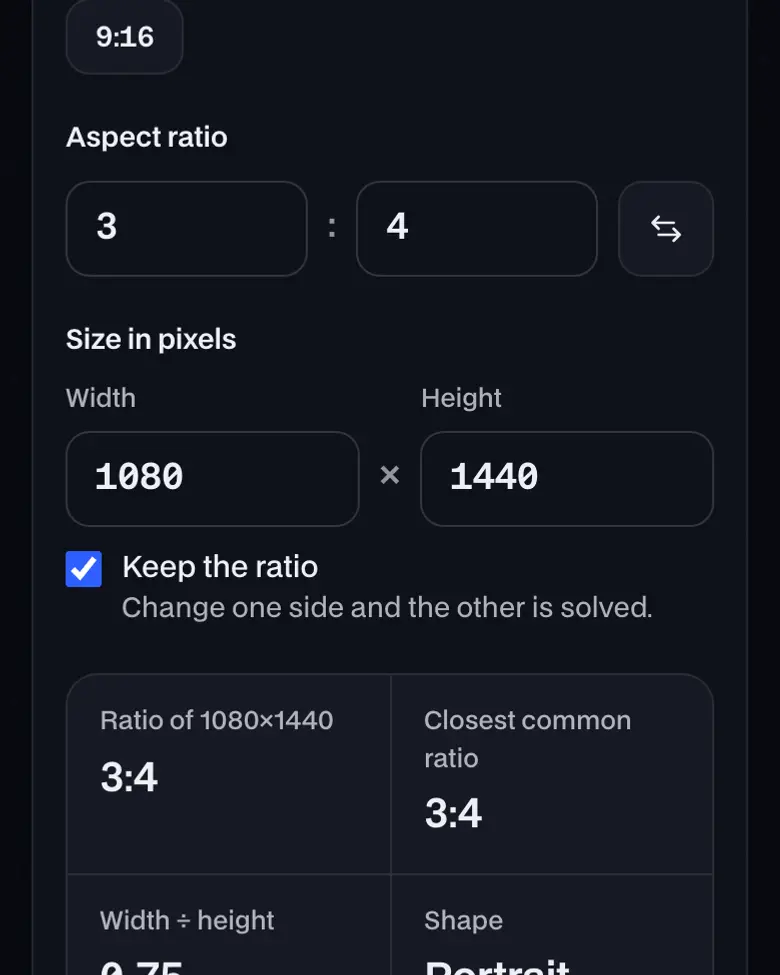
- Ratio of 1080×1440
- 3:4
- Closest common ratio
- 3:4
- Width ÷ height
- 0.75
- Shape
- Portrait (vertical)
Drag the corner to try a shape. It snaps to common ratios.
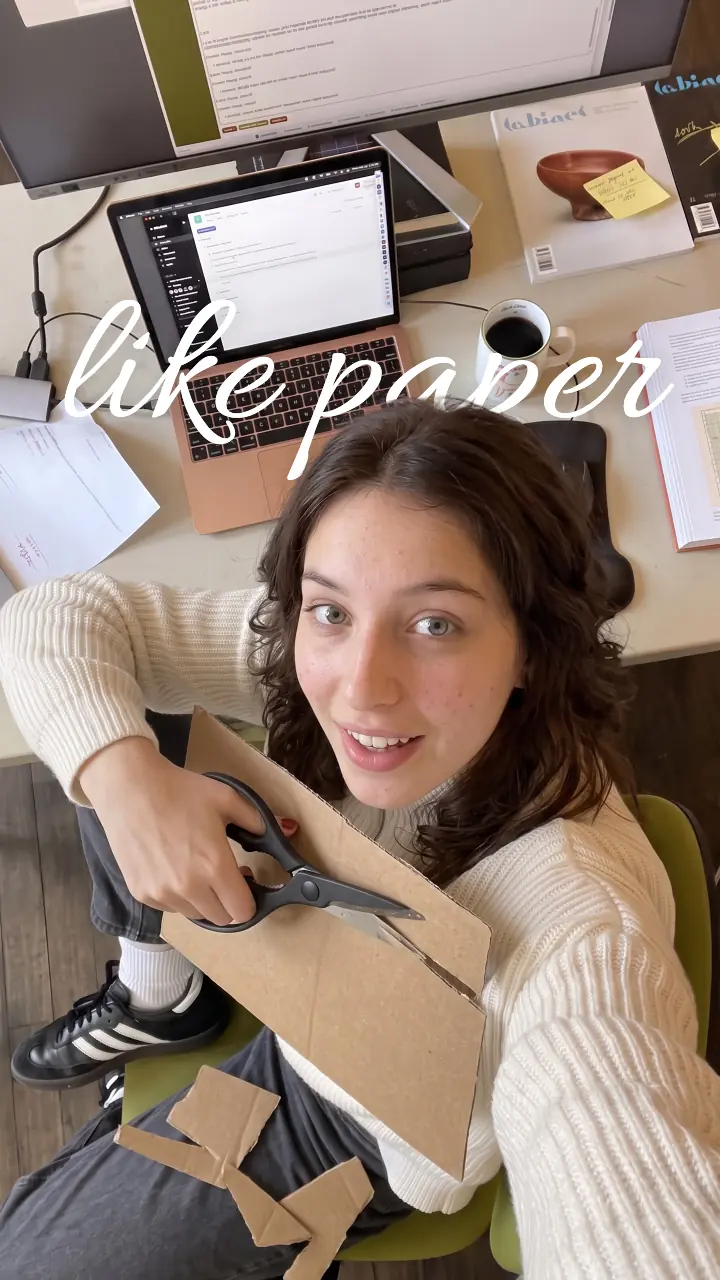
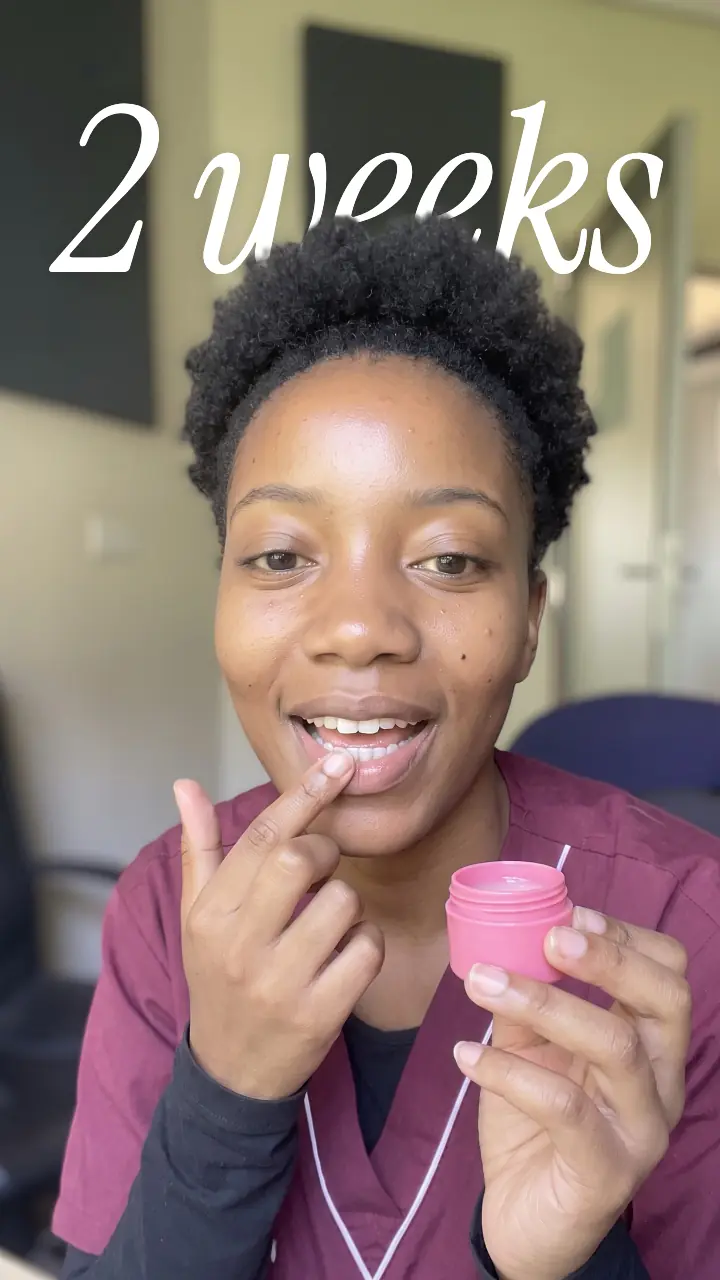
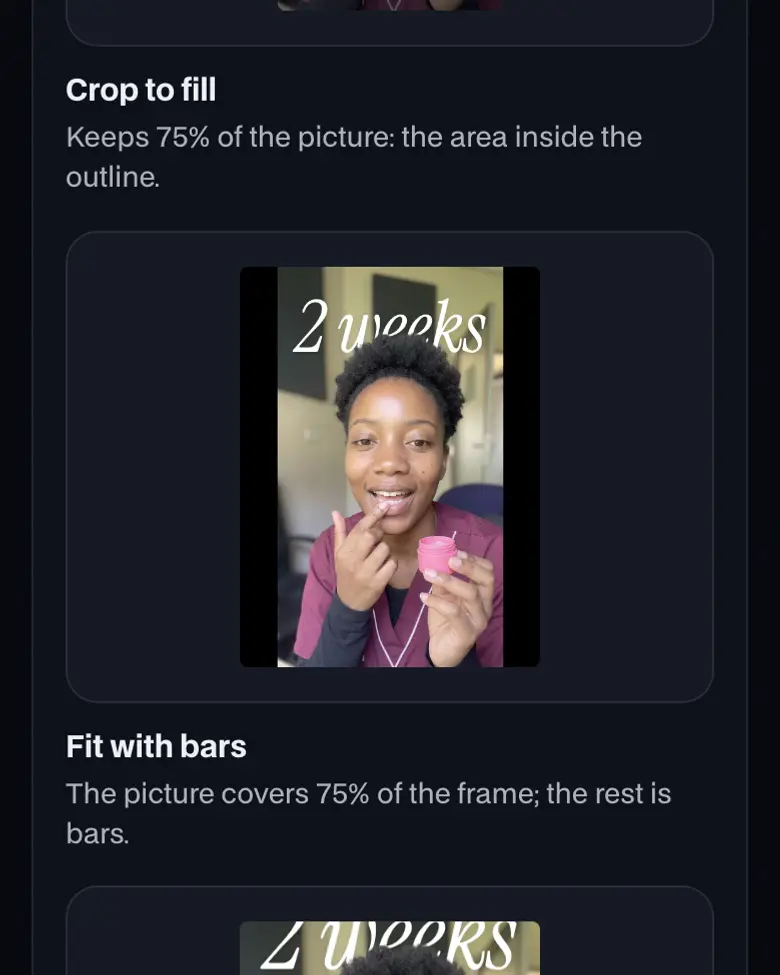
Crop or fit a 9:16 clip into 3:4
Changing shape either crops the sides (fill) or adds bars (fit). Pick the clip's shape, or drop your own file.
Instagram aspect ratios, drawn to scale
Instagram keeps feed photos from 1.91:1 to 3:4. 3:4 is the tallest it keeps; a scheduler posting through the API stops at 4:5. Reels are 9:16, sized on the Reels page.
 3:4Tallest feed post1080 × 14404:5From a scheduler1080 × 13501:1Square1080 × 10801.91:1Landscape1080 × 5669:16Reels and Stories1080 × 1920
What the 3:4 profile grid keeps of each post
The grid shows every post as a centred 3:4 tile. Keep faces, products and text in the middle of anything wider or taller.
Landscape 1.91:1
39% of the post shows on the grid
Square 1:1
75% of the post shows on the grid
Portrait 4:5
94% of the post shows on the grid
Tall portrait 3:4
All of the post shows on the grid
Reel 9:16
75% of the post shows on the grid
Drawn to scale by UGCLive; the outline is the centred 3:4 tile.
How to use Instagram aspect ratio


More about Instagram aspect ratio
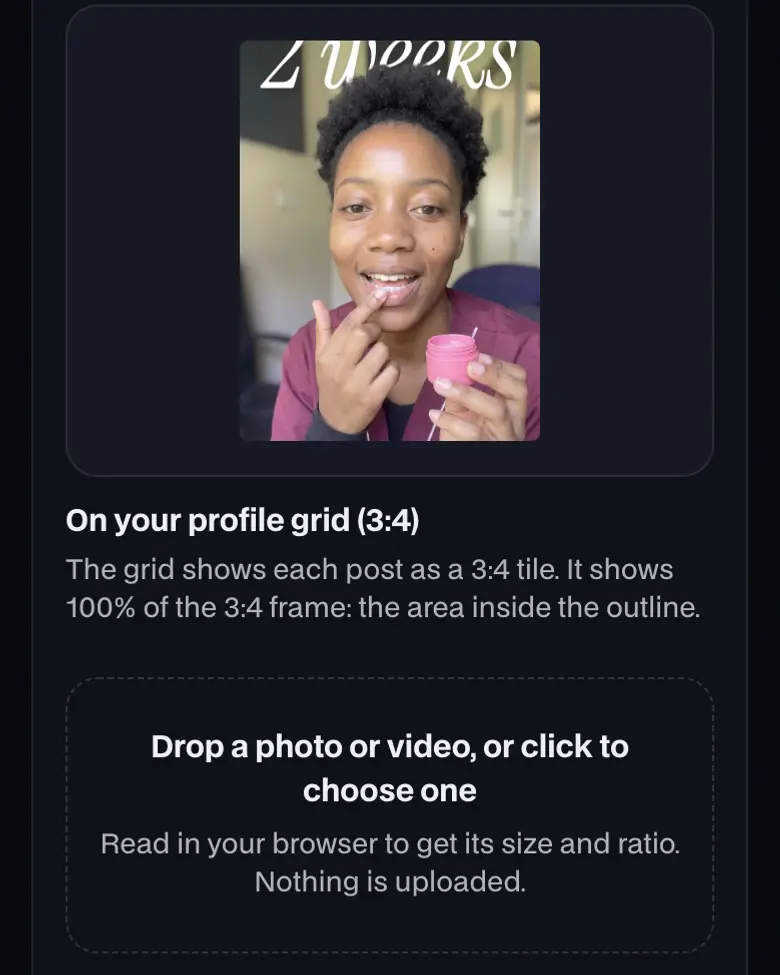
Drop a photo or video in to see the feed crop and the grid crop together.
How to use Instagram aspect ratio, step by step
- Pick the post shape. Tap 3:4 for the tallest feed post, 4:5 for ads, 1:1 for a square or 1.91:1 for landscape. The size is solved at 1080 wide.
- Drop in your photo or video. It's read in your browser, never uploaded. The first panel shows what Instagram keeps when the file is cropped to that shape.
- Check the grid tile. The third panel outlines the 3:4 tile your profile shows. A 3:4 post fits it whole; anything wider or taller loses its edges there.
What is the Instagram aspect ratio?
The Instagram aspect ratio for a feed photo is anything from 1.91:1 to 3:4 at 1080 pixels wide, 1080×566 to 1080×1440. Reels and Stories are 9:16, and the profile grid crops each post to 3:4, which a 3:4 photo fits whole.
Instagram aspect ratios by post type
- Feed photoTallest: 3:4Posted in the app
- Yes: Kept as uploaded1.91:1 to 3:4, 1080 wide by 566 to 1440 tall
- Check: Outside thatCropped to the nearest supported ratio
- Feed photo from a schedulerPosted through Instagram's API
- Accepted4:5 to 1.91:1, 320 to 1440 wide
- No: 3:4Not accepted: use 4:5
- CarouselUp to 20 photos and videos
- Check: ShapeOne orientation for every item
- CropDrag each item to choose what shows
- Feed image adMeta Ads Guide
- Recommended4:5 at 1440×1800
- Accepted4:5 down to 1.91:1
- ReelPlays full screen
- Accepted1.91:1 to 9:16
- Yes: Recommended9:16 at 1080×1920
Instagram Help, Instagram Help, Meta for Developers, Meta Ads Guide and Instagram Help, read October 16, 2026.
Instagram aspect ratio: what you need and limits
| Price | Free, no sign-up |
|---|---|
| Works on | Any current browser on a phone, tablet or computer |
| Last checked | November 11, 2026 |
When the Instagram grid went 3:4
Instagram moved profile grid tiles from squares to 3:4 rectangles in January 2025, as its head, Adam Mosseri, announced at the time. None of Instagram's help pages states the tile shape, so check one post on your own profile before you plan a grid around it. The tile is centred by default; keep faces, products and text in the middle of anything wider or taller than 3:4.
What Instagram does with a photo outside the range
From Instagram's help page
- Yes: Between 320 and 1080 pixels wide, 1.91:1 to 3:4: kept at its own resolution.
- Partly: Wider than 1080 pixels: sized down to 1080 wide.
- Check: Narrower than 320 pixels: enlarged to 320 wide, so it looks soft.
- No: Taller than 3:4 or wider than 1.91:1: cropped to fit a supported ratio.
Instagram Help, read October 16, 2026.
Which Instagram aspect ratio to use
- 1. A photo in the feed3:4 at 1080×1440. Most phone cameras shoot 3:4 when held upright, so a phone photo needs no crop.
- 2. A post from a scheduler4:5 at 1080×1350: Instagram's API refuses images taller than 4:5.
- 3. A reel9:16 at 1080×1920, with the subject in the middle so the grid tile still shows it.
- 4. A carouselPick one shape for all of it; the first item is what shows in the feed.
For any other size, the ratio calculator solves the missing side, and the Story dimensions page covers fitting a photo into a 9:16 Story.
Sources
Official help, developer and ads pages, checked on October 16, 2026. Platforms change limits often; your upload screen has the final word.
Instagram aspect ratio FAQ
What is the best aspect ratio for Instagram posts?
3:4 (1080×1440) for an organic photo: Instagram's help page puts it at the tall end of the range it keeps, and it matches the profile grid, so nothing is cut there. Meta's ads guide recommends 4:5 (1440×1800) for feed image ads.
What aspect ratio does Instagram accept for feed photos?
Instagram keeps a photo as uploaded when its ratio is between 1.91:1 to 3:4: 1080 wide by 566 to 1440 tall. A photo outside that range is cropped to fit, and a photo wider than 1080 pixels is sized down to 1080.
Is 4:5 or 3:4 better for Instagram?
3:4 takes a little more of the feed and shows uncropped on the 3:4 profile grid. A 4:5 post keeps 94% of its width on the grid. Schedulers that post through Instagram's API still cap images at 4:5, so use 4:5 there.
What aspect ratio is the Instagram grid?
3:4. Instagram changed profile grid tiles from squares to 3:4 rectangles in January 2025, as its head Adam Mosseri announced. Instagram's help pages don't state the tile shape, so check a post on your own profile.
Can a carousel mix aspect ratios?
No. Instagram's help says the orientation you choose applies to every photo and video in the post, and you can drag each one to adjust its crop. A carousel takes up to 20 items in the app.
What aspect ratio is an Instagram reel in the feed?
Reels upload at 1.91:1 to 9:16, and 9:16 is recommended. On the 3:4 grid a 9:16 reel keeps 75% of its height, so keep faces and text near the middle.
Still have questions?All UGCLive questionsEmail us
Related
Try it now, free.
Feed posts from 1.91:1 to 3:4.
- No sign-up
- Works on your phone
- Nothing to install