Short answer
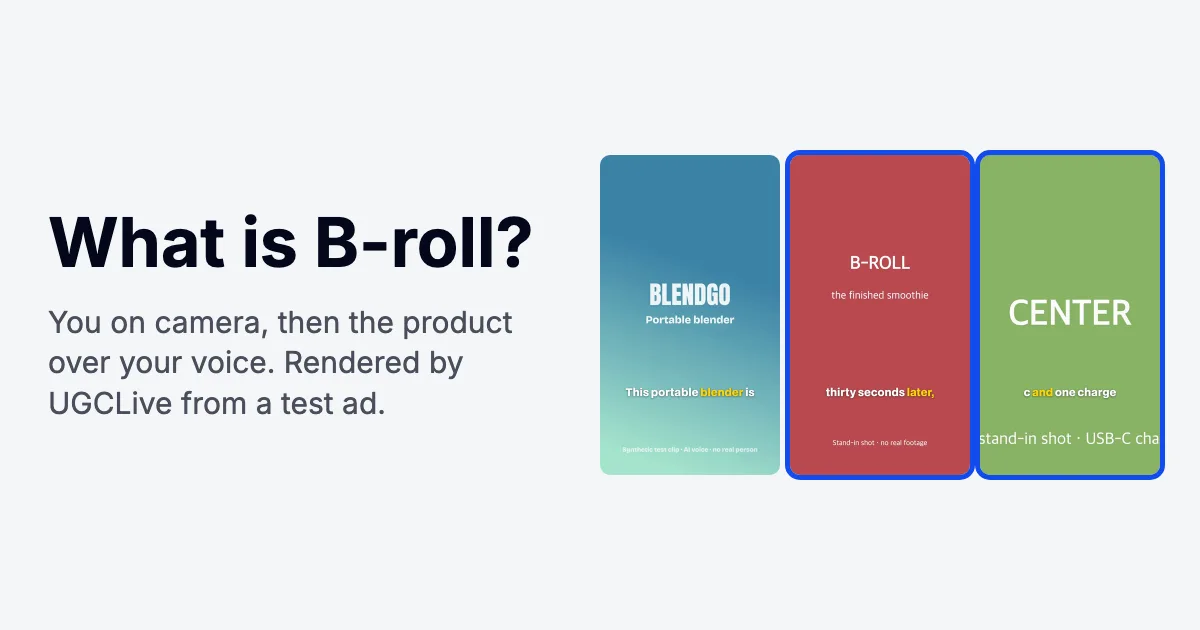
B-roll is any footage you cut to while the main audio keeps playing: product close-ups, hands using the product, the place, the result.
The main footage, usually you talking to the camera, is the A-roll. In a UGC ad, B-roll shows what you're describing and hides the cuts in your talking; a shot usually covers one sentence, 2 to 4 seconds.
What does B-roll mean?
B-roll means supplementary footage cut in over the main shot while the main shot's sound carries on. If you say "it's lightweight" and the screen shows your hand lifting the bottle with one finger, that lifting shot is B-roll.
The name is a leftover from film editing, when the main footage and the extra shots sat on separate rolls, A and B, so a cutaway could go in without breaking the sound. Today it's one track stacked above another in any editing app, with the same idea: new picture, same voice.
What is the difference between A-roll and B-roll?
A-roll carries the story and the sound; B-roll carries the proof. In most UGC the A-roll is you talking to the camera. More terms: the UGC glossary.
| A-roll | B-roll | |
|---|---|---|
| What it is | The main footage: you speaking to camera, or a voiceover's main shot | Footage cut in over the main audio |
| Sound | Its audio is the video's audio | Usually muted, or kept low under your voice |
| On screen | The opening, the ending and the personal lines | Short shots, usually one sentence each |
| Job in an ad | Trust: a real person making the claim | Proof: the product doing what you just said |
What are the types of B-roll, with examples?
Most B-roll falls into seven shot types. The names come from film and TV news, and each one has a version you can shoot on a phone for a TikTok, a Reel or a UGC ad:
| Type | What it shows | Example in a short video |
|---|---|---|
| Establishing shot | Where the video takes place | Your kitchen counter or desk before you start talking |
| Cutaway | Something the speaker mentions, then back to them | You say "it fits in my bag" and the shot shows it sliding into a tote |
| Close-up (insert) | A detail too small for the main shot | The label, the texture of a cream, the pump |
| Process (hands) | The action, done by hand | Opening, pouring, applying, plugging in; shoot pours in Slo-mo |
| Before and after | The change, from the same angle twice | The stained shirt, then the clean one |
| Screen recording | An app or website in use | Scrolling the app's feature as you describe it |
| Stock or archival | Footage someone else shot, licensed | A city street to set a scene; never the product itself |
In a UGC ad the close-ups, the hands and the before and after do most of the work, because they show the product doing what you just said. Get those on every shoot.
How long should each B-roll shot be?
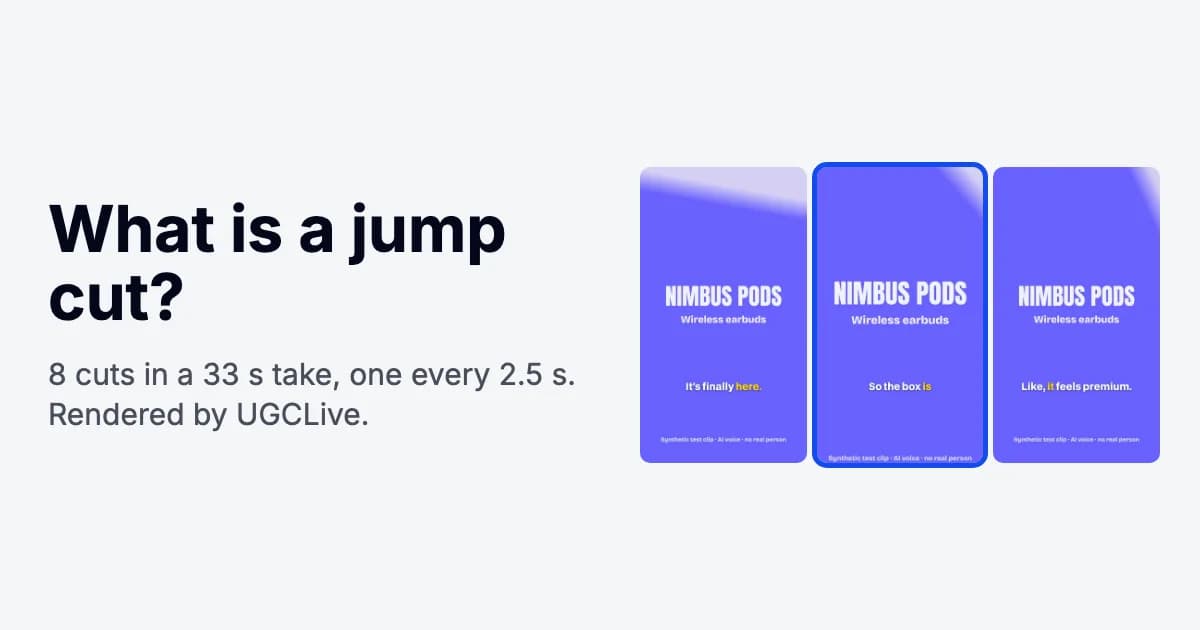
About as long as the sentence it covers. We measured sentences in six test ads (synthetic UGC scripts read by an AI voice, then cut by UGCLive's AI edit): the 45 sentences ran from 0.6 to 5.6 seconds, with a median of 3.0, and 30 of them (two in three) fell between 2 and 4 seconds. The median was the same, 3.0 seconds, before the edit, which mostly removed gaps between sentences.
- 10 were under 2 seconds: quick asides and corrections. Fold them into a neighbouring shot where you can.
- 5 ran past 4 seconds, where a single static shot starts to feel long; give those two shots, or come back to your face.
captions.ai's B-roll guide says 2 to 5 seconds, which matches. TechSmith suggests 10 to 15 seconds, which in our ads would sit over three sentences. Our voice is brisker than most, so your sentences may run longer.
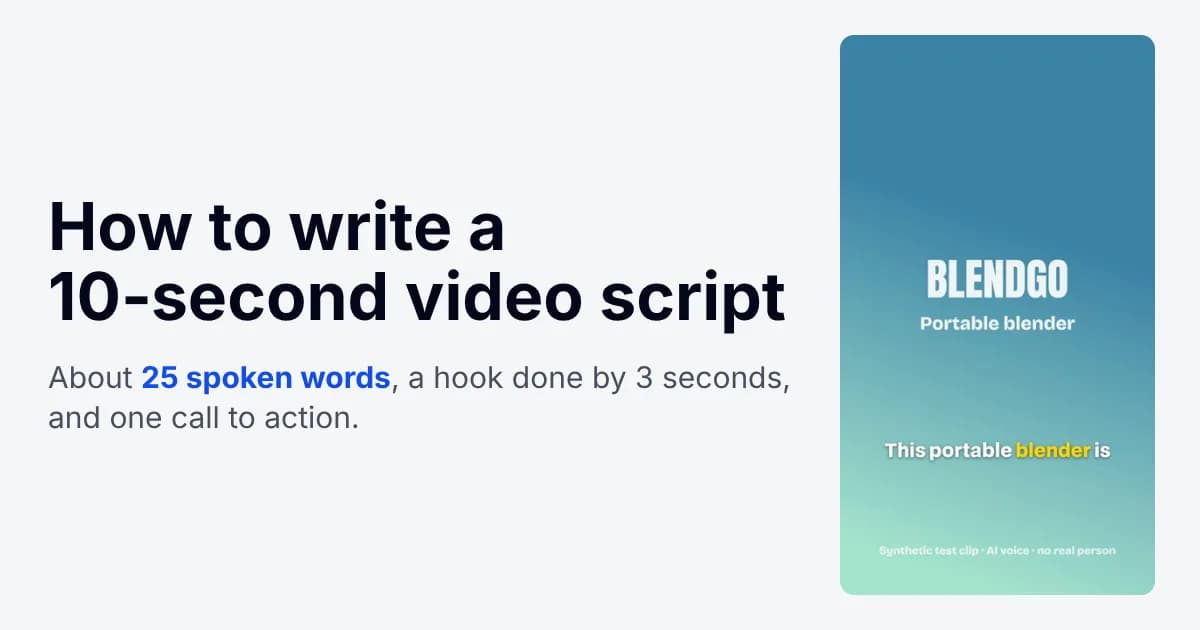
To plan your own shots, count words. Our test voice spoke at 187 words per minute, so a 9-word line lasted about 2.9 seconds; read at a calmer 150, the same line takes 3.6. Seconds = words × 60 ÷ your words per minute.
How much B-roll should a 30-second UGC ad have?
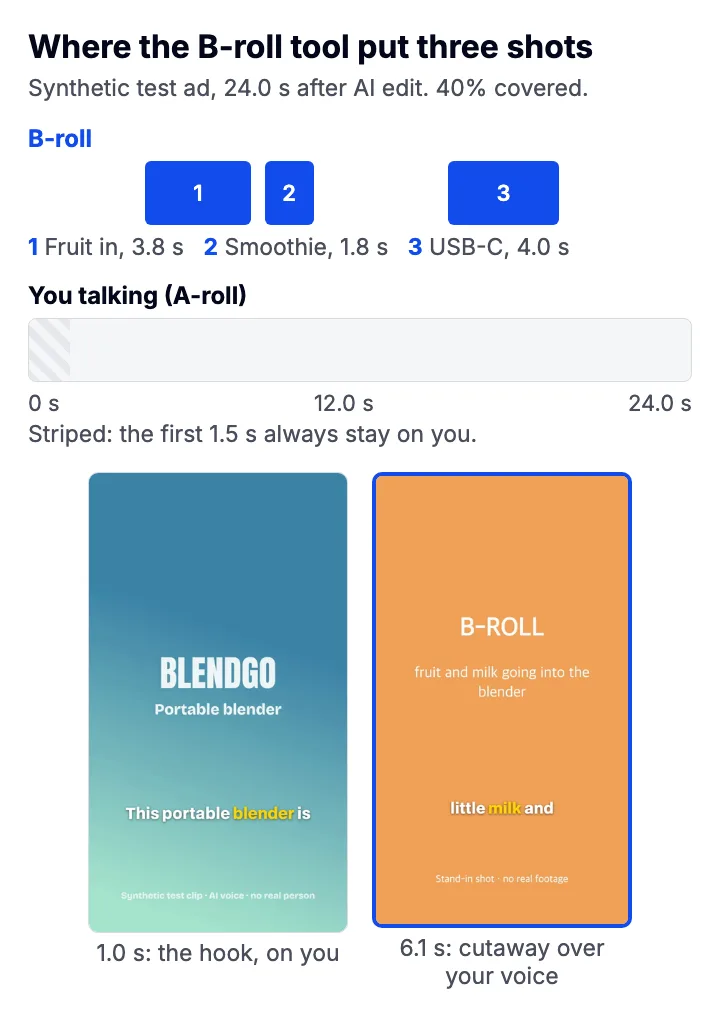
Our pick: cover 30 to 40% of a 30-second ad, in three or four one-sentence shots on the lines you can show, because at a median of 3.0 seconds a sentence, that's enough to prove every claim while the hook, the personal lines and the call to action stay on you. On our 24.0-second test ad, three shots came to 40%. For comparison, captions.ai suggests about 40% for talking-head video and notes short-form TikTok can be all A-roll. We haven't measured how B-roll amounts change an ad's results.
| Line | Seconds | On screen |
|---|---|---|
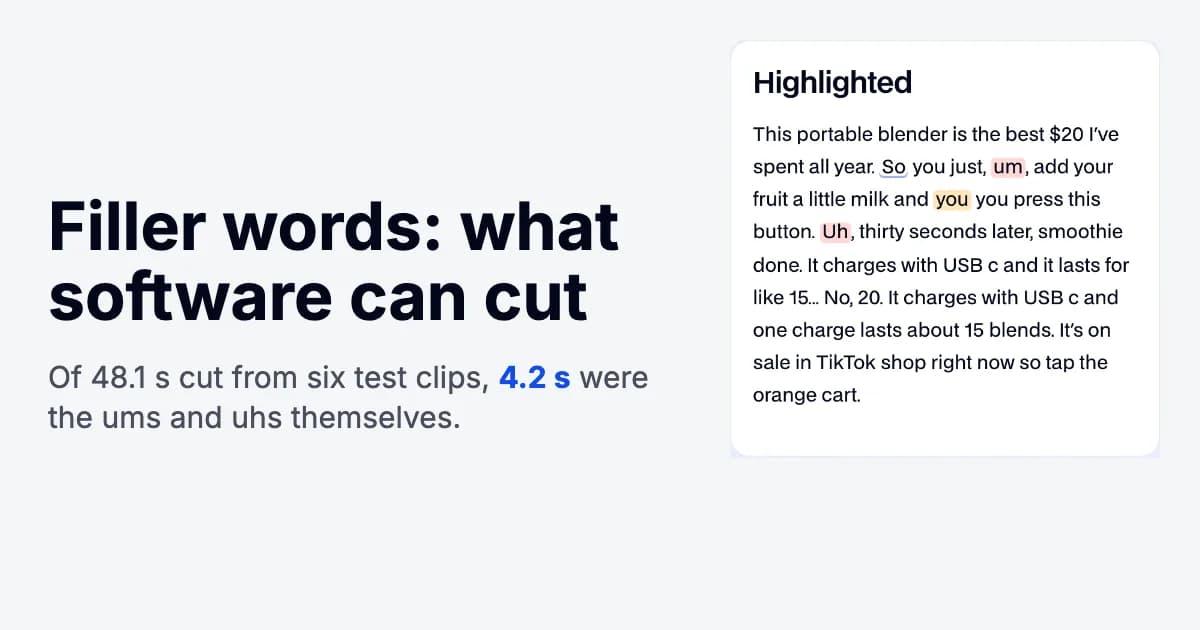
| This portable blender is the best $20 I've spent all year. | 3.9 | You |
| So you just, add your fruit a little milk and you press this button. | 3.8 | B-roll: fruit and milk going into the blender (3.8 s) |
| thirty seconds later, smoothie done. | 2.1 | B-roll: the finished smoothie (1.8 s) |
| It charges with USB c and it lasts for like 15... | 3.4 | You |
| No, 20. | 1.0 | You |
| It charges with USB c and one charge lasts about 15 blends. | 4.6 | B-roll: the blender charging over USB-C (4.0 s) |
| It's on sale in TikTok shop right now so tap the orange cart. | 3.8 | You |
- Usually, open on your face. A person is what makes it read as a recommendation. The exception is a result strong enough to be the hook (the before and after, the pour), with your voice over it; place that one by hand, since UGCLive's tool keeps the opening on you.
- Cut to B-roll on claims. Each time you say something the viewer could doubt (it's thin, it's fast, it works), show it.
- Come back to your face between shots, even briefly, so two cutaways don't run together.
- Stop well short of all B-roll, so you stay the main thing on screen.
Shoot more than you think you need: captions.ai's rule of thumb is 4 to 6 times as much B-roll as you'll use.
How do you shoot B-roll on an iPhone?
Shoot it vertical, steady and longer than you need, right after you record your talking so the light matches. Then trim each shot to its best few seconds in the edit.
- Write the shot list from your script
Underline every claim in the script and write the shot that proves it next to it. That list is your B-roll.
- Hold the phone vertical
Record in portrait so the clip fills a 9:16 frame without cropping.
- Lock focus and exposure
Touch and hold the product until AE/AF Lock appears, so the picture doesn't pulse brighter and darker as your hand moves. Tap the screen again to release it.
- Record each shot for 5 to 8 seconds
Start recording, wait a beat, do the action once slowly, wait a beat, stop. The still moments at both ends give you clean places to cut.
- Brace the phone or move slowly
Rest your elbows on the table or lean on a wall. If you move, move one way at one speed.
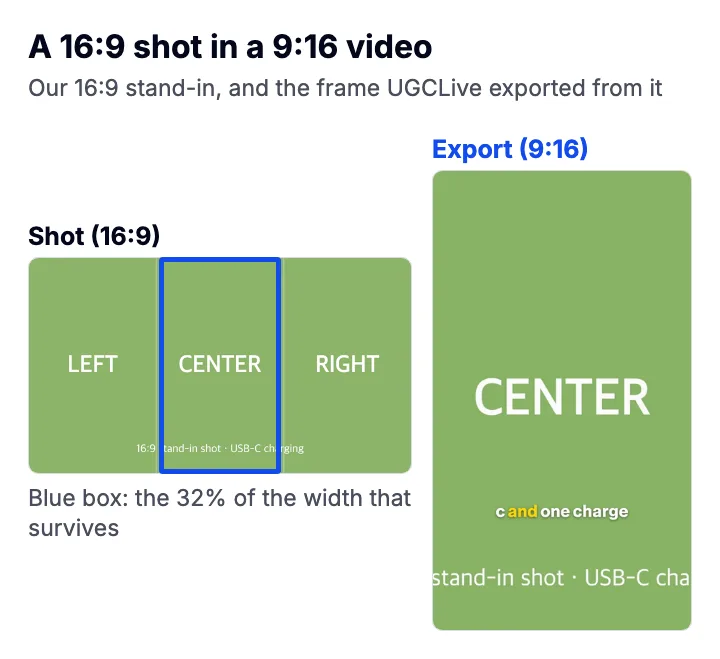
Horizontal (16:9) footage, such as most stock clips, keeps only its middle strip when it fills a 9:16 video: about 32% of its width. We rendered a 16:9 test card with LEFT, CENTER and RIGHT written across it through UGCLive's exporter, and only CENTER survived.
Where can you get free B-roll footage?
The most useful free B-roll for a UGC ad is footage you shoot yourself, because it shows the actual product in your hands. Stock libraries help for scene-setting shots like a city street.
Pexels is a common free source: its license says all photos and videos are free to use, attribution isn't required and you can edit them. It also says you can't imply that people or brands in the footage endorse your product. A stock clip of a smiling stranger cut in right after "everyone I know loves this" does exactly that.
How do you add B-roll in an edit?
Put your talking clip on the main track and lay each B-roll clip on a track above it at the sentence it proves, with its own sound muted.
Line a B-roll clip up with a cut in your talking and the jump disappears, because the viewer is looking at the product when your face would have jumped. If a B-roll shot has its own sound (a pour, a click), let that sound start a beat before the picture (a J cut) or run on after it (an L cut).
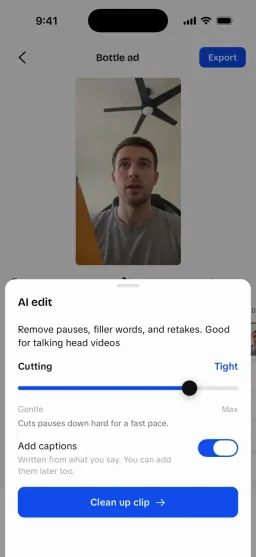
In the UGCLive app, the B-roll tool does the placing with the settings above. "Over talking" lays the moments over your captions as full-frame overlays you can switch between Fill and Fit; "Montage" rebuilds the video from the clips' best moments instead.
If you put text or captions over B-roll, keep them out of the area the app's buttons cover. The TikTok safe zone checker shows where that is, and our TikTok editing order places it.
What didn't our test cover?
The test ads are synthetic and the B-roll shots are placeholders, so we tested timing and framing, not how good footage looks. We picked which sentence each shot covers; in the app, Claude makes that choice and Gemini describes your real footage, and neither was run. We haven't A/B tested B-roll amounts on ad results. On stock licenses, we read Pexels' only.