








































Build your UGC portfolio in minutes
A UGC portfolio website is one link that shows brands your videos, your rates and how to reach you. UGCLive builds yours at ugc.live/your-name from the videos you export, in the iPhone app or here on the web, and AI writes the first draft.
Sign in and your link is held for you. Nothing is public until you publish.
- Your exports, playing on the page
- Packages, brands, results and contact
- An AI first draft you can change
One step of what UGCLive's AI does
- 1AnalyzeWhy any video or account works
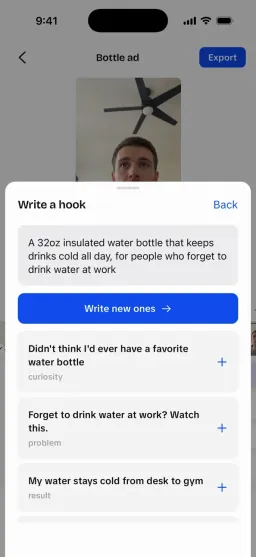
- 2WriteYour version, scripted
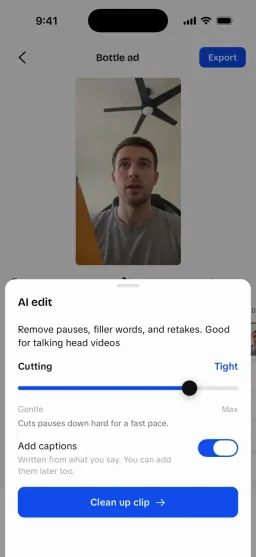
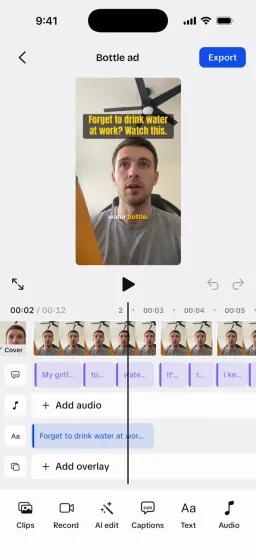
- 3EditAI makes the first cut
- 4GrowTest hooks, learn, scale
Then back to Analyze, with your own results.
What goes on a UGC portfolio page?
What a brand checks in its first 30 seconds, each in its own section of the page.
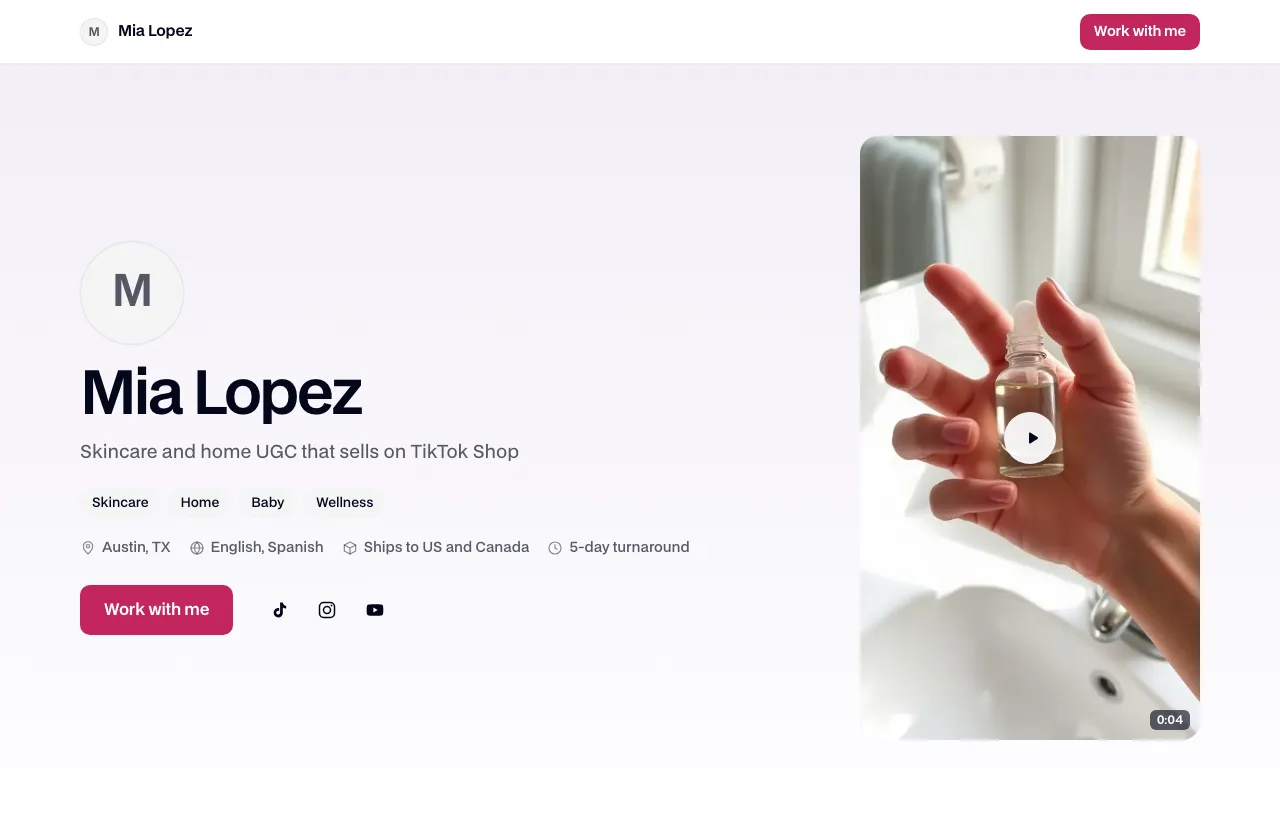
- Your videosUp to 24 exports that play on the page, with up to 3 featured at the top and a filter by format.
- Who you areYour photo, a one-line headline, a short bio and your niches.
- Packages and ratesUp to 3 packages and 8 add-ons, or “Rates on request” when you'd rather not show prices.
- Brands and resultsBrands you've made videos for, up to 4 results and 3 testimonials.
- The practical bitsWhere you live, where products can ship, languages, turnaround and what's on camera.
- How to reach youAn email button, a booking link, your website and your Instagram, TikTok and YouTube.
How do you build it?
Four steps, from signing in to a link you can paste into a pitch.
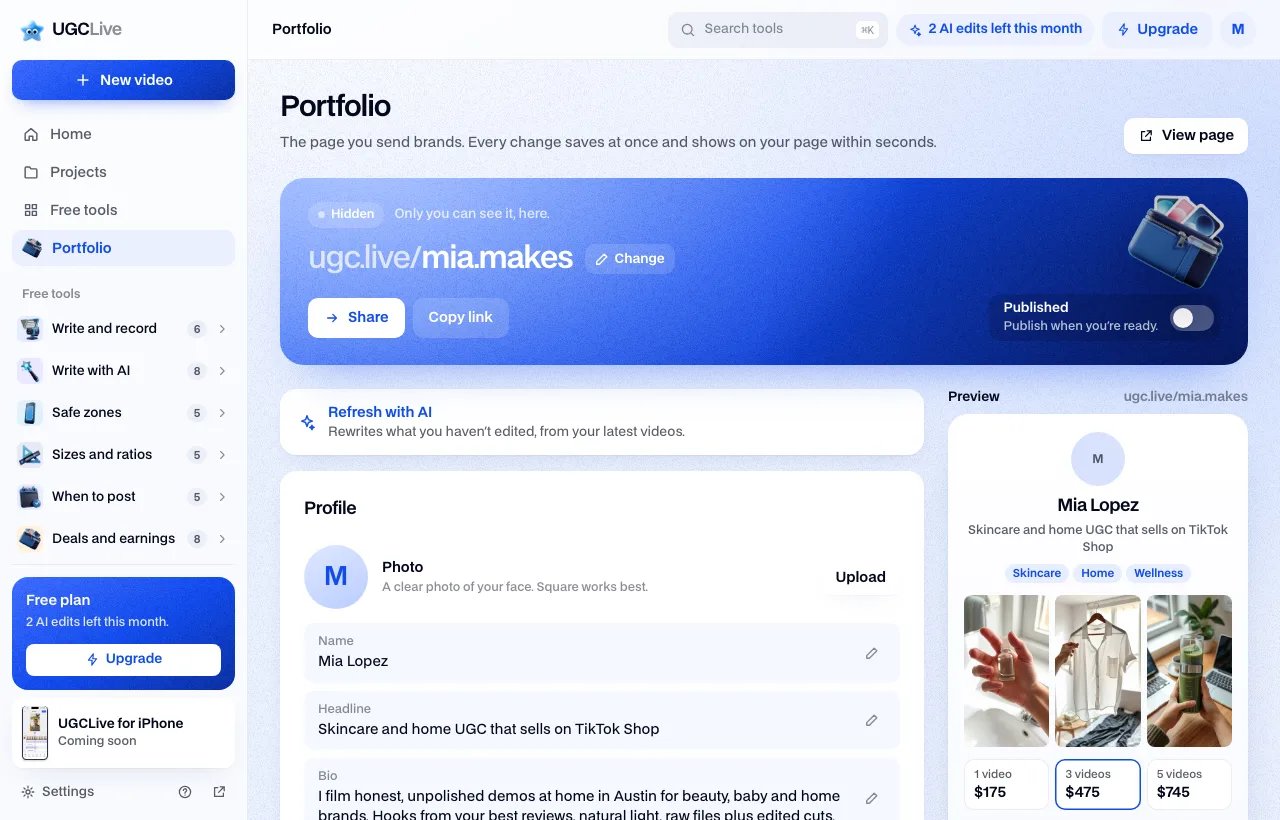
- 1. Claim your linkYour page gets a handle from your name, like ugc.live/mia.makes. Change it any time; the old link keeps working for 30 days.Instant
- 2. Add your videosPick finished exports from the web editor or the iPhone app. Each gets a lighter 720p web copy and a cover frame, so it loads fast on a phone.
- 3. Let AI write the first draftIt reads your videos' names, briefs and captions and writes the headline, bio, niches, video titles and starting rates.
- 4. Publish and shareFlip Published, then copy the link or share it. Hide it again whenever you like.
What does the AI write, and what stays yours?
The draft fills the gaps; it never overwrites what you typed.
The AI drafts
- Yes: A headline under 90 characters and a 2 to 3 sentence bio
- Yes: 1 to 4 niches and the formats you make
- Yes: A title and format for each video, and which 1 to 3 to feature
- Yes: Starting packages from the rate calculator's typical rates (a first draft only)
It leaves alone
- Partly: Any field you've edited by hand
- Partly: Video titles and brands you typed
- Partly: Brands, numbers and results it wasn't told about: it doesn't invent them
From the portfolio draft's instructions and merge rules (backend services/portfolio), read October 17, 2026. Starting rates come from the typical rates in our rate calculator.
What changes with Pro?
Every plan gets the whole page. Pro changes three things.
- FreeEvery account
- Yes: Every section, up to 24 videos
- Partly: Blue or ink accent
- Partly: A small “Made with UGCLive” line at the bottom
- ProPro$20 a month
- Yes: No “Made with UGCLive” line
- Yes: Six more accent colours
- Yes: Page views for the last 7 and 30 days
When does Google show your page?
Only when you've published it and there's enough on it to be worth finding.
- Published
- a hidden page is never shown to anyone
- 40+
- characters in your bio
- 3+
- videos shown on the page
The page's indexing rule (backend services/portfolio), read October 17, 2026. Until all three are true the page tells search engines not to index it.
A live page or a PDF?
Two free ways to put your work in front of a brand.
- Portfolio websiteLive linkugc.live/you
- Yes: Videos play in the browser, no download
- Yes: Update it once and every link you've sent shows the change
- Partly: Needs a UGCLive account
- Portfolio templateA one-page PDF or PNG
- Yes: Made in your browser, no account
- Yes: Attach it to an email or an application form
- Partly: Shows a frame of each video, not the video
 FAQ
FAQPortfolio questions
Is the portfolio free?
Yes. Every UGCLive account gets one page with every section. Pro removes the small Made with UGCLive line, adds six accent colours and shows page views.
Do I need the iPhone app?
No. You can build and publish it here on the web, and edit the same page in the UGCLive iPhone app. Videos come from your finished exports in either.
Can brands see it before I publish?
No. Until you switch on Published, the link shows a not-found page. You can hide it again at any time.
Can I change my ugc.live link?
Yes, as often as you like. Handles use letters, numbers, dots and underscores, and the old link redirects to the new one for 30 days.
Which videos can I add?
Videos you've exported from UGCLive, up to 24. Each one gets a 720p web copy and a cover frame. To show work made elsewhere, import it into the editor and export it.
Does it replace a PDF portfolio?
For pitches and bios, a link is easier: it plays your videos and stays up to date. Some application forms still want a file; the free portfolio template makes one.
Still have questions?Email us
How we made this page
What the page holds, the AI draft's rules, the Free and Pro differences and the indexing rule are read from the portfolio code (the backend's services/portfolio and this website's public page) on October 17, 2026. The screenshots show our builder and the public page filled with a made-up creator's sample content; the names, brands, numbers and quotes in them are invented.
Updated by the UGCLive team.
 Your UGC portfolio
One link that gets you booked.
Your videos, rates and contact at ugc.live/you, free.